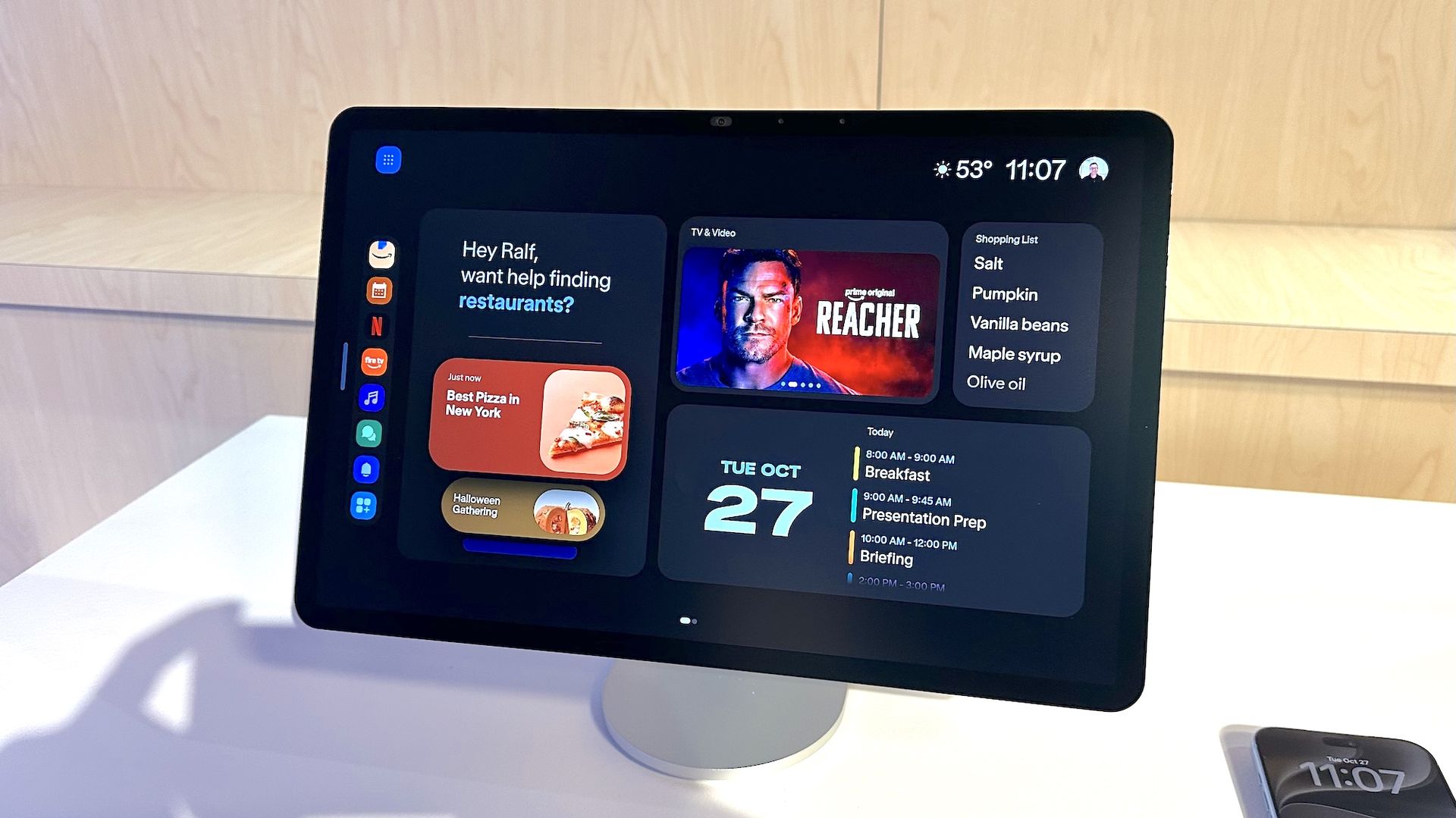
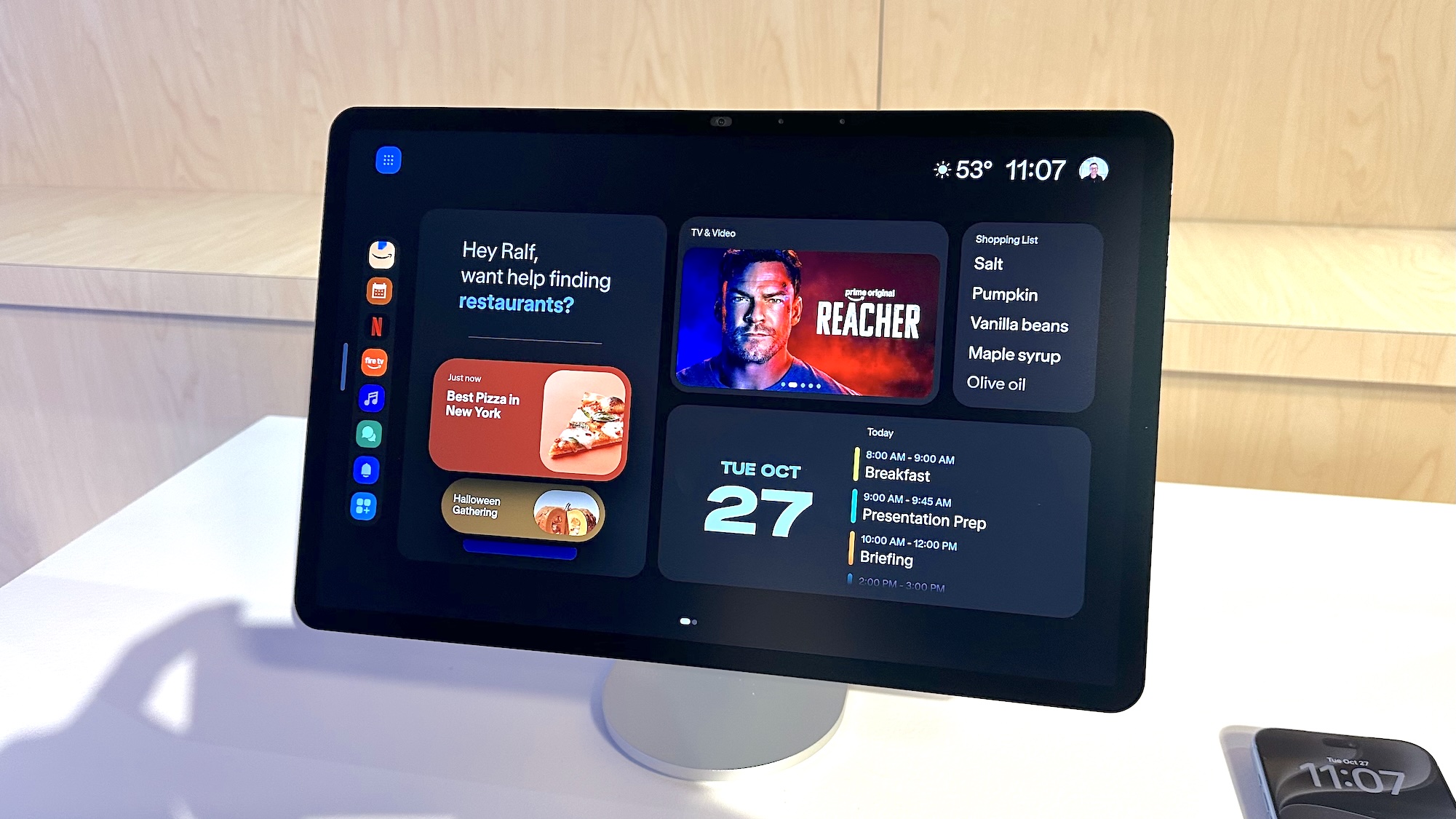
When Amazon lifted the veil off its new Echo Show 16, I thought I was looking at a miniaturized version of Apple’s Studio Display. But no, I was looking at Amazon’s newest smart display, one that looks like it could beat the HomeView in more ways than one.
I had a chance to check out the Amazon Echo Show 16, which is available for preorder starting today (Oct. 28), and will ship later this year. Here’s how Amazon’s newest smart display really distinguishes itself from the pack — even if its starting price of $499 could make it a reach for some.
Price and availability
The Echo Show 16 is available for preorder starting today (Oct. 28), and will ship later this year. The model with the standard glossy display costs $499, while the Nanomatte display is $569. If you preorder the device, you can get $100 off the price.
If you’re not planning to wall mount the device, a swivel stand is available for $69, and a swivel-and-tilt stand costs $124.
Design
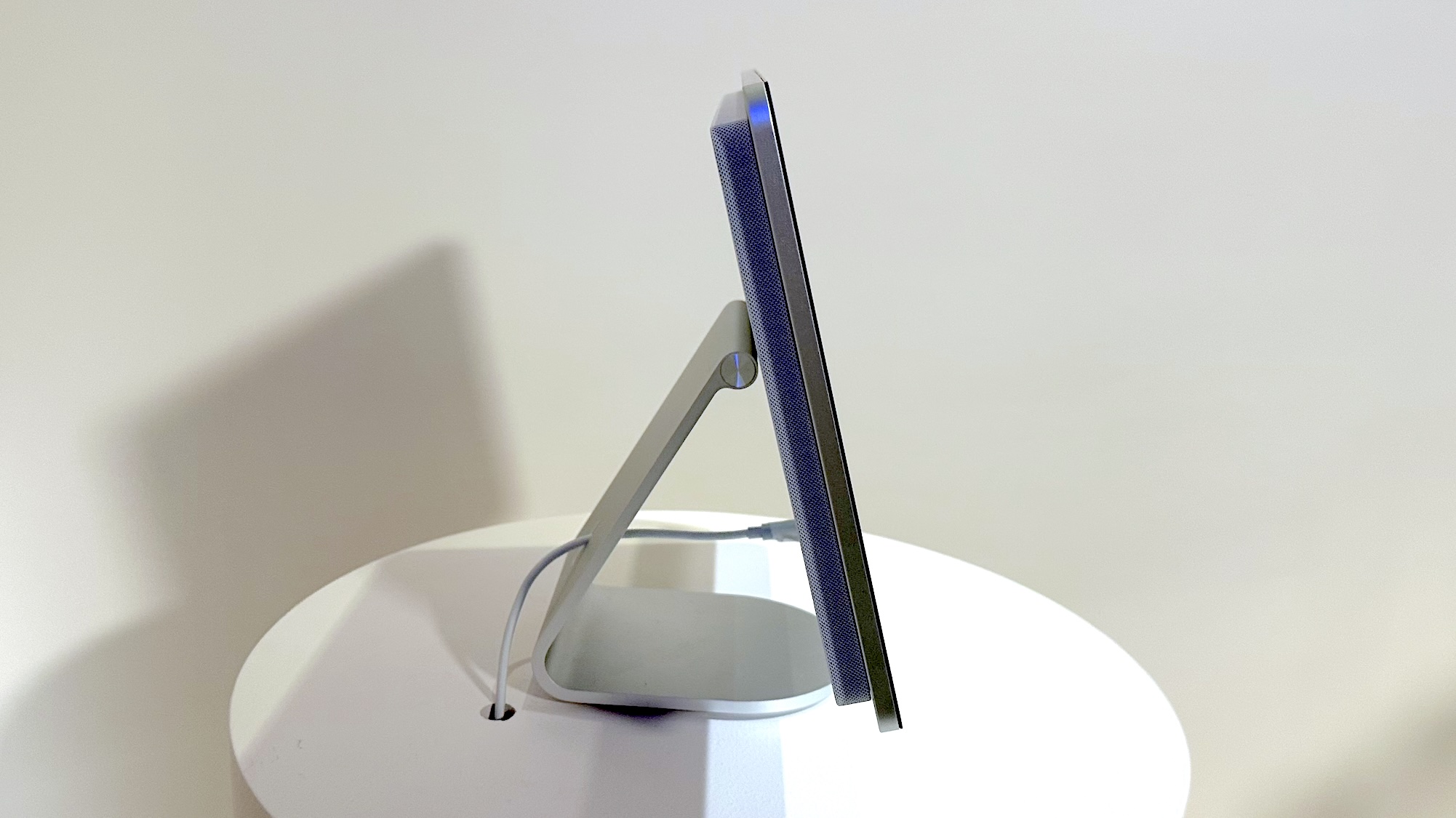
The Echo Show 16 is the most refined smart display from Amazon I’ve seen; the panel itself isn’t as thin as the Echo Show 8 or Echo Show 10, but that’s because the speakers are housed behind the display, rather than sitting in a bulbous base. As a result, the Echo Show 16 looks more like something you’d connect to your desktop, rather than a standalone device.
The rear of the Echo Show 16 is thicker than most other tablets, as it houses eight subwoofers. Around the front is a 13MP camera, which has a digital zoom to keep you in frame if you’re moving around.
The screen itself measures 16 inches diagonally, and has a resolution of 1920 x 1080. Like the Alexa Tablet 12 Pro tablet, you can get the Echo Show 16 with either a glossy finish, or with a nanomatte display, which cuts down on glare.
Sadly, the aluminum stand costs $69 extra, so unless you plan to wall-mount it, you’ll have to cough up a little more.
A redesigned Alexa + interface
Amazon has once again redesigned the interface on its Echo Shows, this time making Alexa+ more prominent. Now, all Alexa+ interactions are saved as “cards” which are displayed as a widget on the screen. Tap on the card, and it expands to show you the transcript from that interaction, as well as supporting documents, images and links.
For example, if you ask Alexa+ how to grow tomatoes, it might present cards for different types of tomatoes, tips on watering, fertilizing, and which might grow best in your area.
Alexa+ will then organize all of the cards by type, theme, date, or any other categorization it thinks is appropriate, so you can more easily find them at a later time. A special Card gallery shows all of them at a glance.
Amazon’s Alexa+ smartphone app will also get a similar treatment; by design, any cards you create on your phone will stay there until you share them with the Echo Show.
The Calendar view — now called Family Organizer — also sees a refresh. In addition to showing everyone’s schedule, there’s now a tab for meal planning, so you can lay out everything you want to cook for the week.
Smarter home view
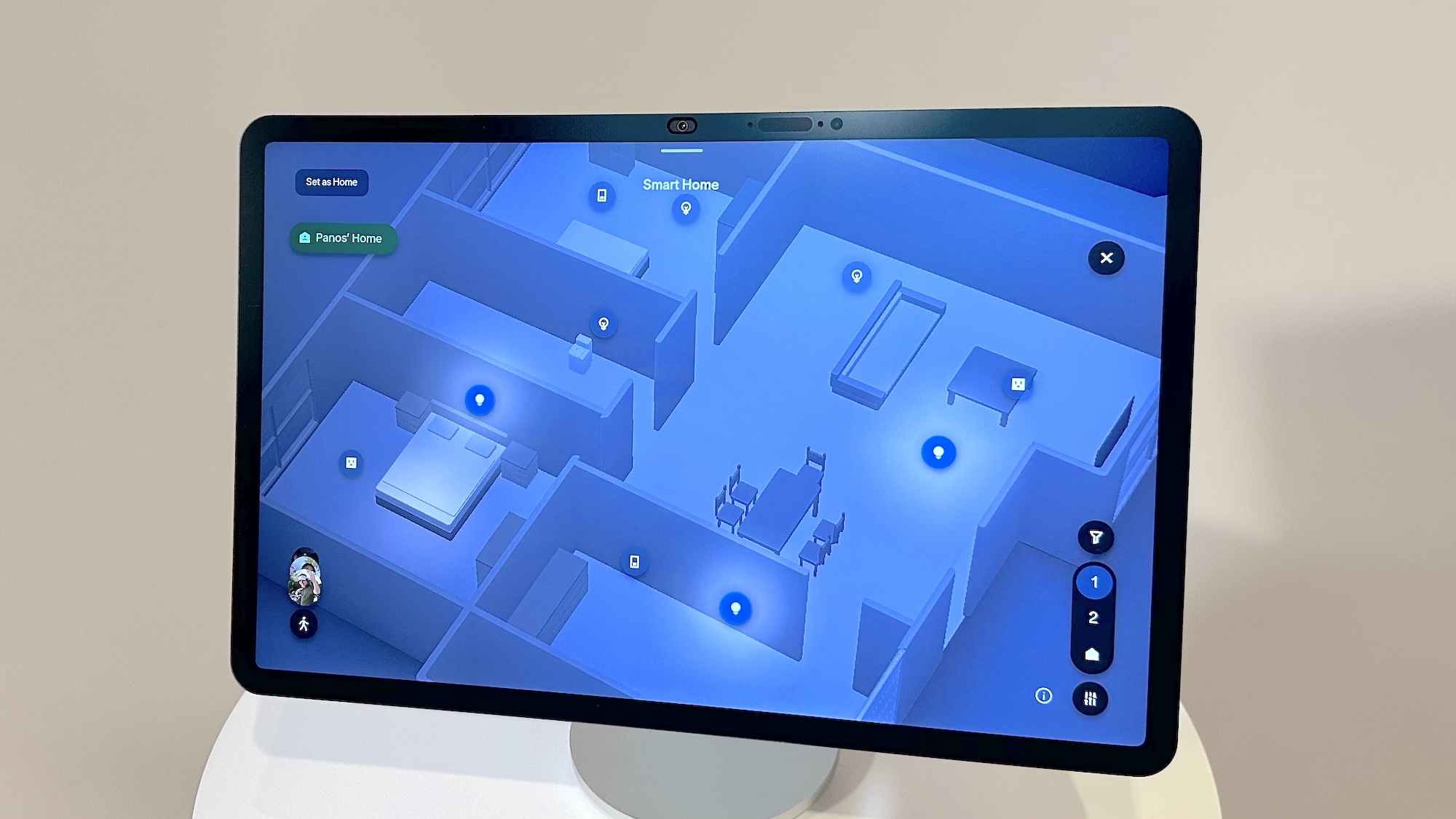
For those with a lot of smart home devices, the Echo Show’s new Home Map takes what’s currently available to the next level. Now, all of your smart home devices are displayed in a 3D map of your house, where you can view, arrange, and control all of them.
For example, if there’s a smart light in a bedroom, you can tap on the icon to turn the light on and off, dim it, or change its color, if that’s an option. Cleverly, the icon on the screen will also reflect the current state of the device — so, if a light is glowing red, its icon will also have a reddish halo. Or, if a smart speaker is playing music, the screen will show you the song title.
If you have Ring cameras, the Home Map will show icons of people and vehicles around your house moving in real time, based on what the cameras are seeing. If you have familiar faces enabled in the Ring app, the Home Map will also identify those people, too. An Amazon rep said that Blink integration was also coming in the future. I found it to be both cool and a bit creepy — kind of like a high-tech Marauder’s Map from Harry Potter.
Fire TV
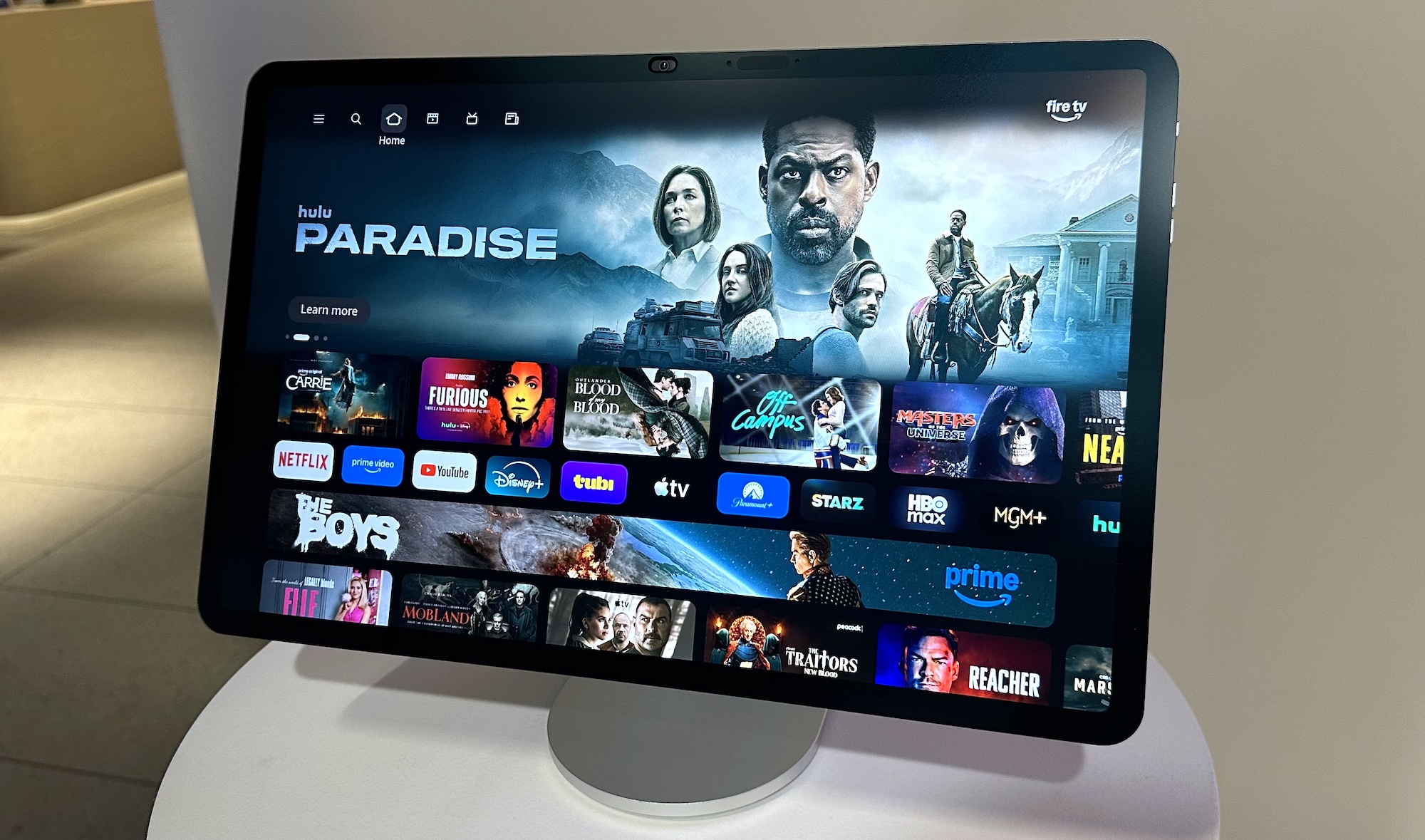
Like previous Echo Shows, the 16 also acts as a Fire TV device, making it really well suited for those who want a small TV in their kitchen. Like the Echo Show 15 and Echo Show 21, the Echo Show 16 will also ship with a Fire TV remote, so that you don’t have to rely on touch or voice to find the show you’re looking for.
Of all of the Echo Show features I’ve used over the years, it’s probably the one I’ve used the most.
Outlook
The hardware design of the new Echo Show 16 is impressive, but it’s the new interface that might just have won me over. While I still want to take more time to really dive into it, I liked how it shows all of your interactions with Alexa+ in a smart, easily accessible way. I am curious to see how easy it will be to find everything once you have a lot of saved prompts, but it looks like Amazon has found a smart way to show everything on the screen. The new smart home interface also looks like it should make it much easier for me to manage all my devices.
This same interface will be rolling out to other Echo Show devices, so you don’t need to rush out and buy the new Echo Show 16, unless you want the new design or the nanomatte display. We hope to get one in soon to test, so stay tuned.
Follow Tom’s Guide on Google News and add us as a preferred source to get our up-to-date news, analysis, and reviews in your feeds.
More from Tom’s Guide
Next Badge:
More Comments/Likes Until Your Next Badge