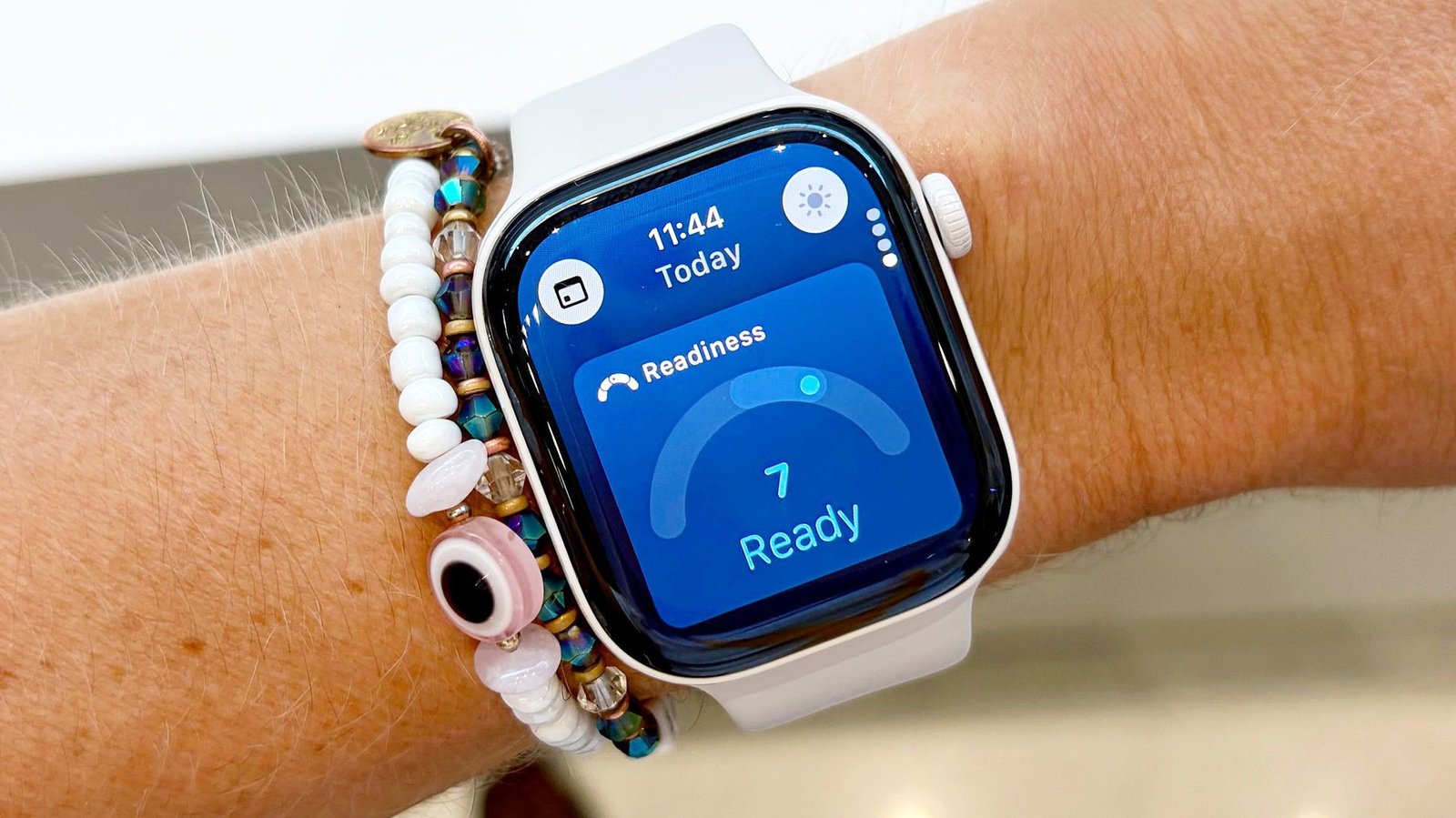
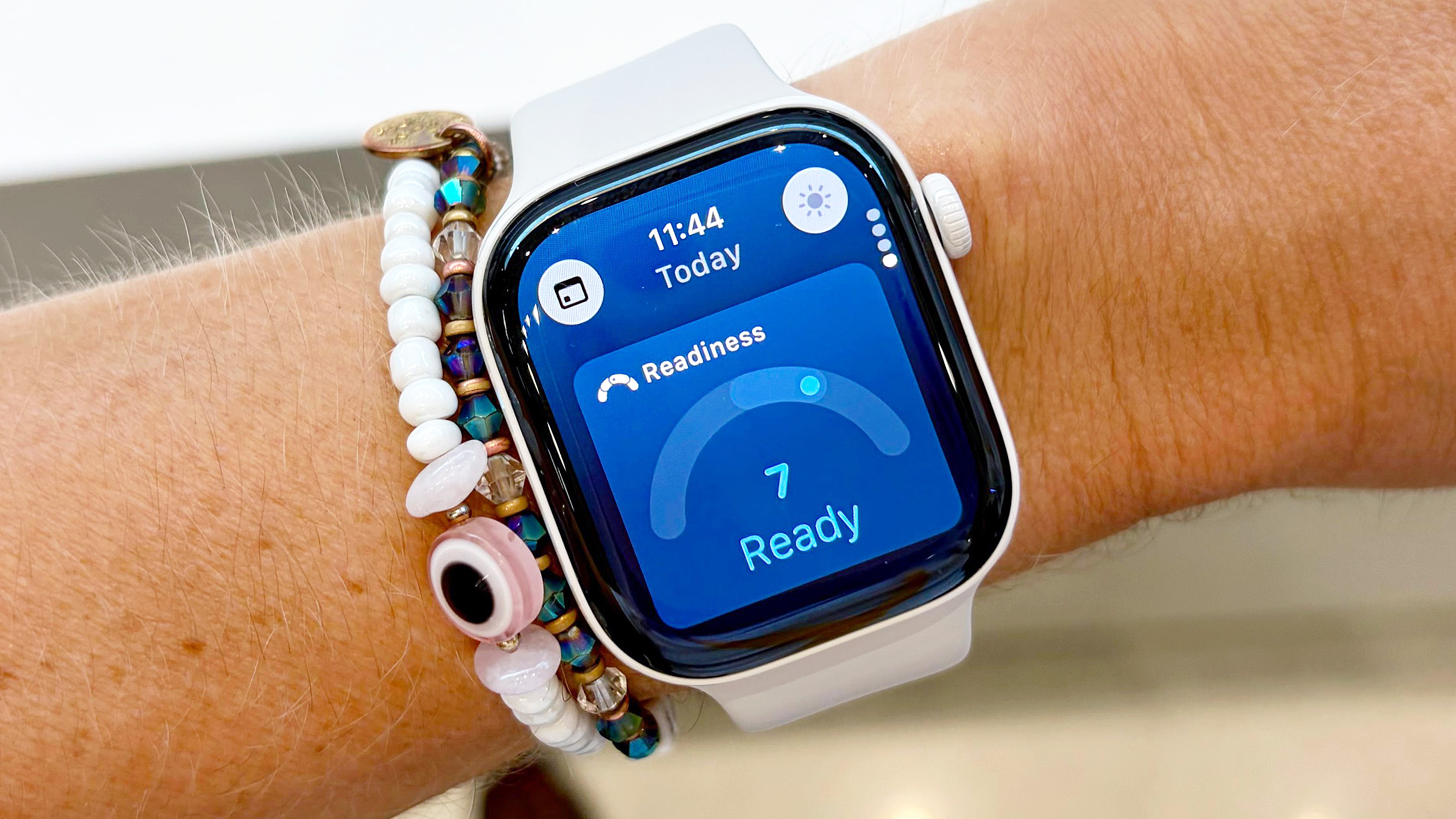
The Apple Watch finally has a dynamic Readiness Score. Based on a scale from zero to ten, the score takes into account your recent sleep quality, physical activity, and vital trends.
Unlocking your dynamic Readiness Score on Apple Watch is fairly straightforward, though you will need to wear the device for seven nights to see your first one.
Apple’s Readiness Score is just one of the cool, new features found in the best Apple Watch models in 2026. Others include support for a vastly improved AI-powered Siri, real-time dynamic step count data, an impressively comprehensive at-home wellness assessment, and Live Rewind, an AI tool that transcribes live audio around you.
Of course, I’ve already covered all of the above at length; here’s how to unlock Apple’s new dynamic Readiness Score on your Apple Watch in four easy steps.
How to unlock the Readiness Score on your Apple Watch
- Make sure you have a compatible Apple Watch model
- Enter your height, weight, and age in the Apple Fitness app
- Wear your Apple Watch to bed for seven consecutive nights; ensure you get at least four hours of sleep per night
- After seven nights logged, open the Readiness app on your Apple Watch to see your dynamic score
Read on to see full illustrated instructions for each step.
1. Make sure you have a compatible Apple Watch model
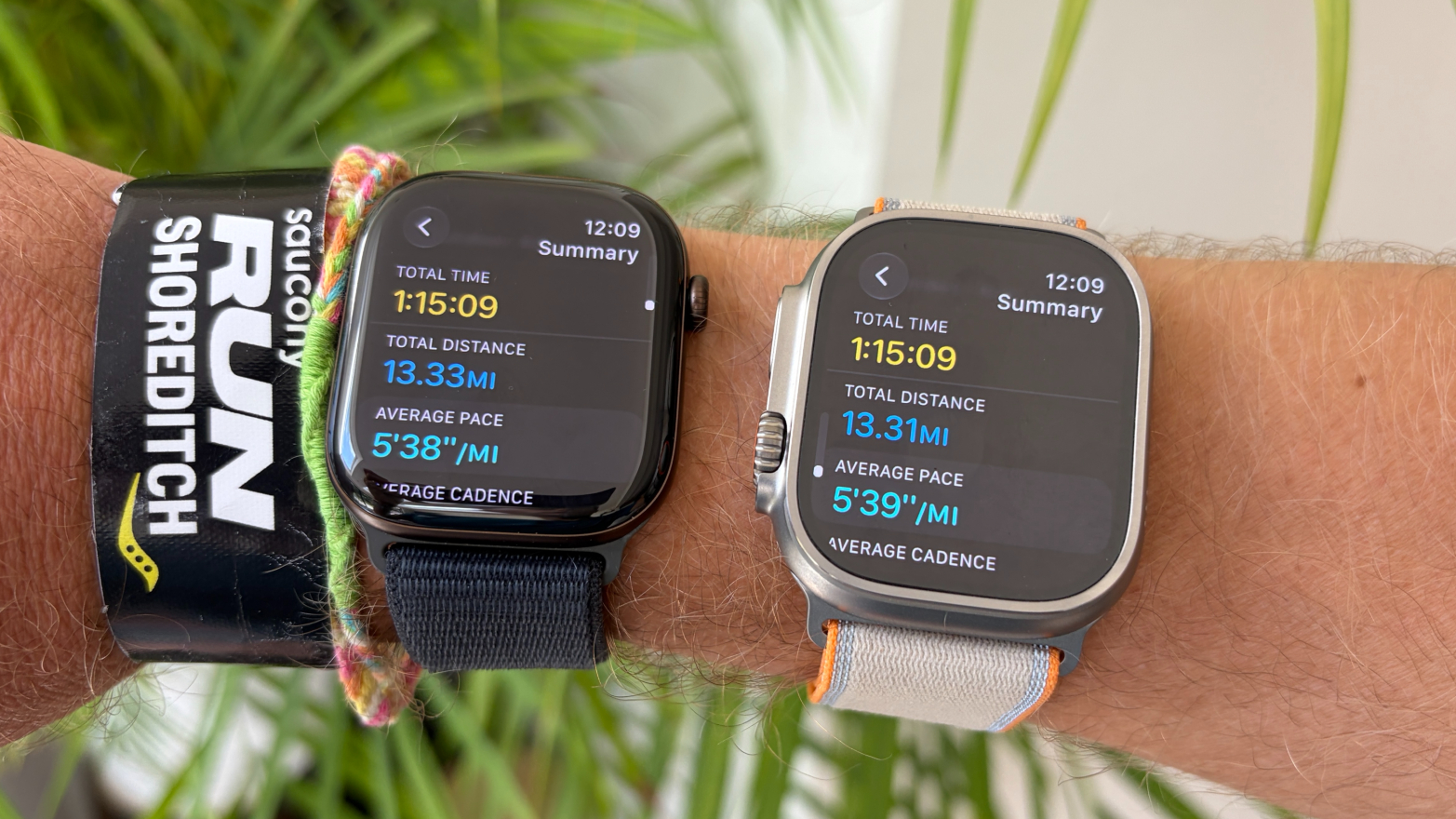
Before we dive into the Readiness Score setup process, first make sure you have a compatible Apple Watch model. Unfortunately, only those with Apple’s latest S11 chip have access to the feature for now. That list includes only the Apple Watch Series 12 and Apple Watch Ultra 4, though other models may be added down the road.
2. Enter your height, weight, and age in the Apple Fitness app
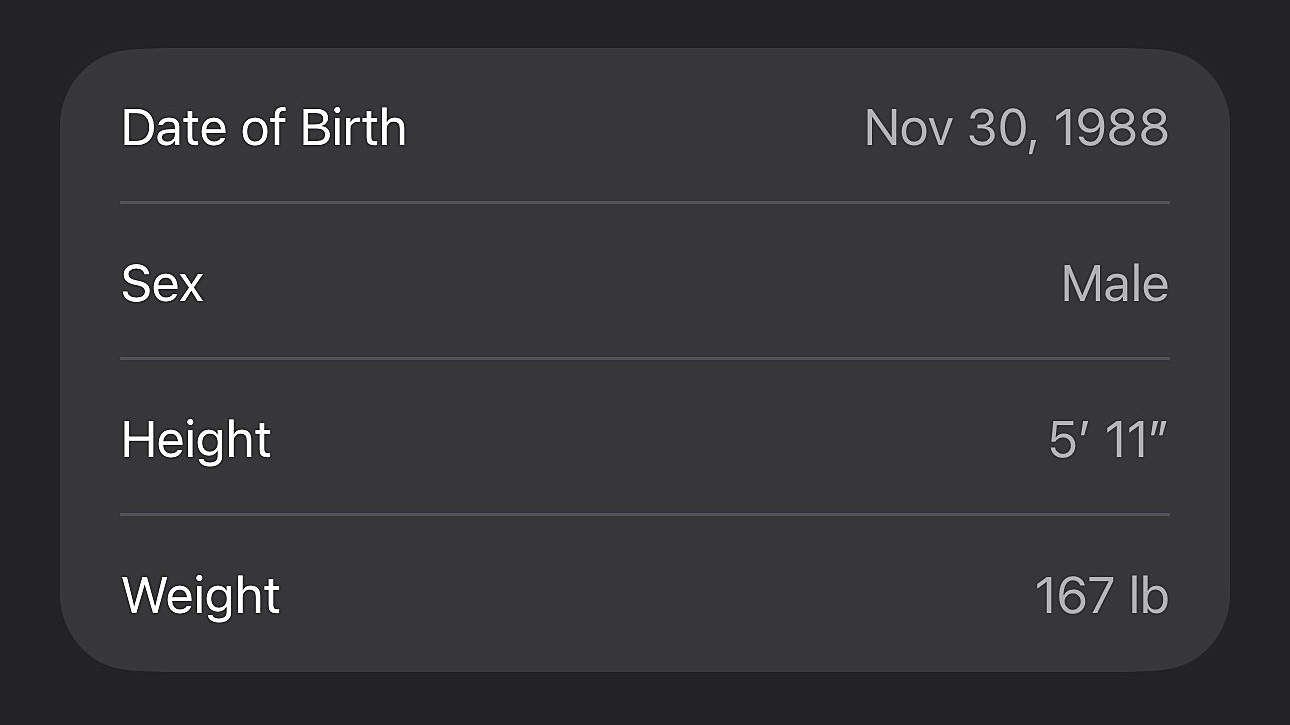
Next, open the Fitness app on your companion iPhone, tap “Summary,” and then tap the icon in the top-right corner of the screen; it should either be a small photo of you or your initials. Next, scroll down and tap “Health Details,” and enter your age, weight, and height.
You’ll also want to ensure that you have daily activity, vitals, and sleep tracking turned on (they should be on by default). Double-check by opening each app on your Apple Watch; if tracking is on, you’ll see recent data. If it’s not, you’ll be prompted to turn it on.
3. Wear your Apple Watch to bed for seven consecutive nights
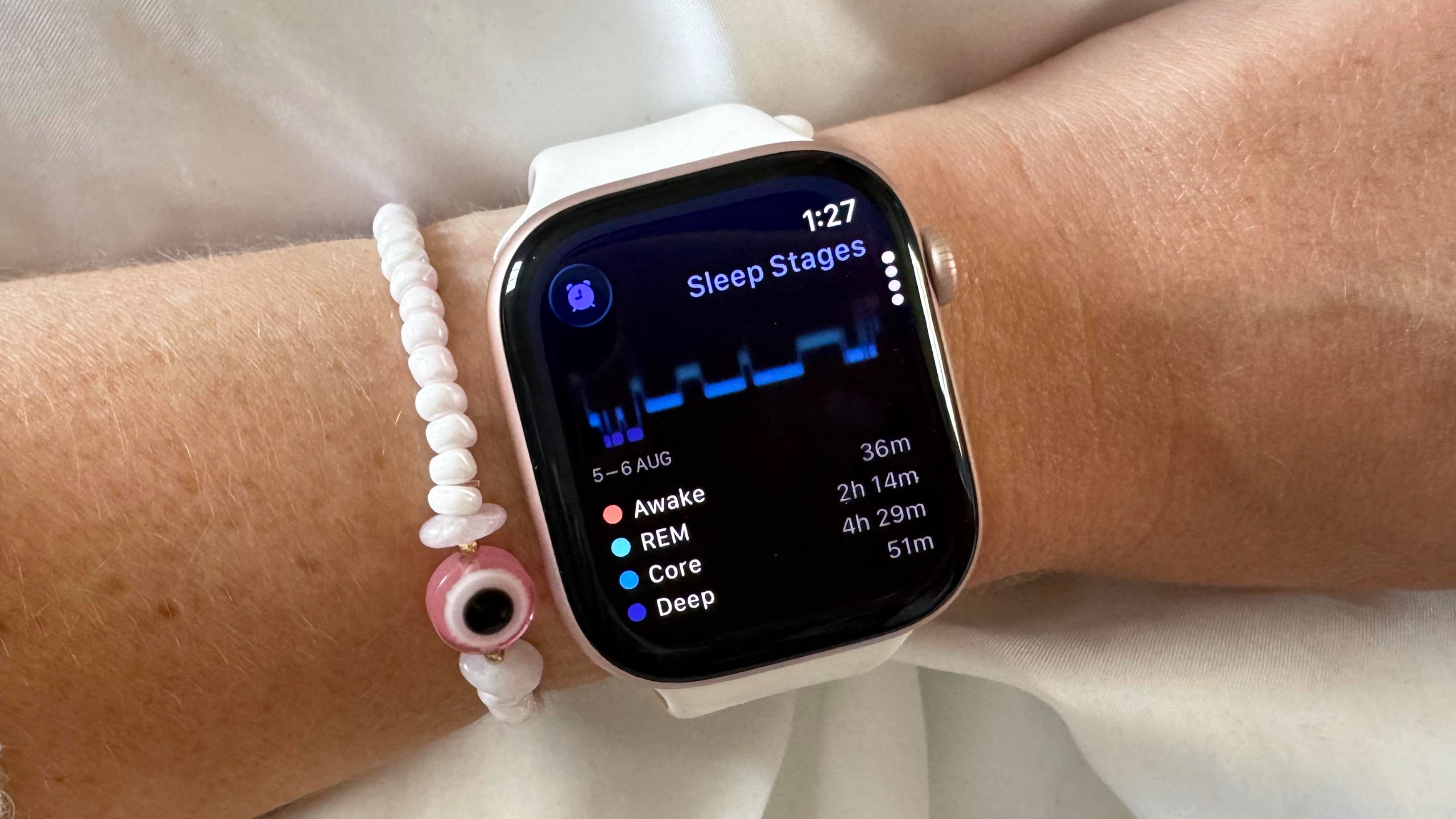
With all your health details entered, the only thing you’ll need to do to generate your first Readiness Score is wear your Apple Watch for seven consecutive nights, ensuring you get at least four hours of sleep per night. You’ll also want to wear it during the day to ensure accurate activity data.
4. Open the Readiness app on your Apple Watch to see your dynamic score
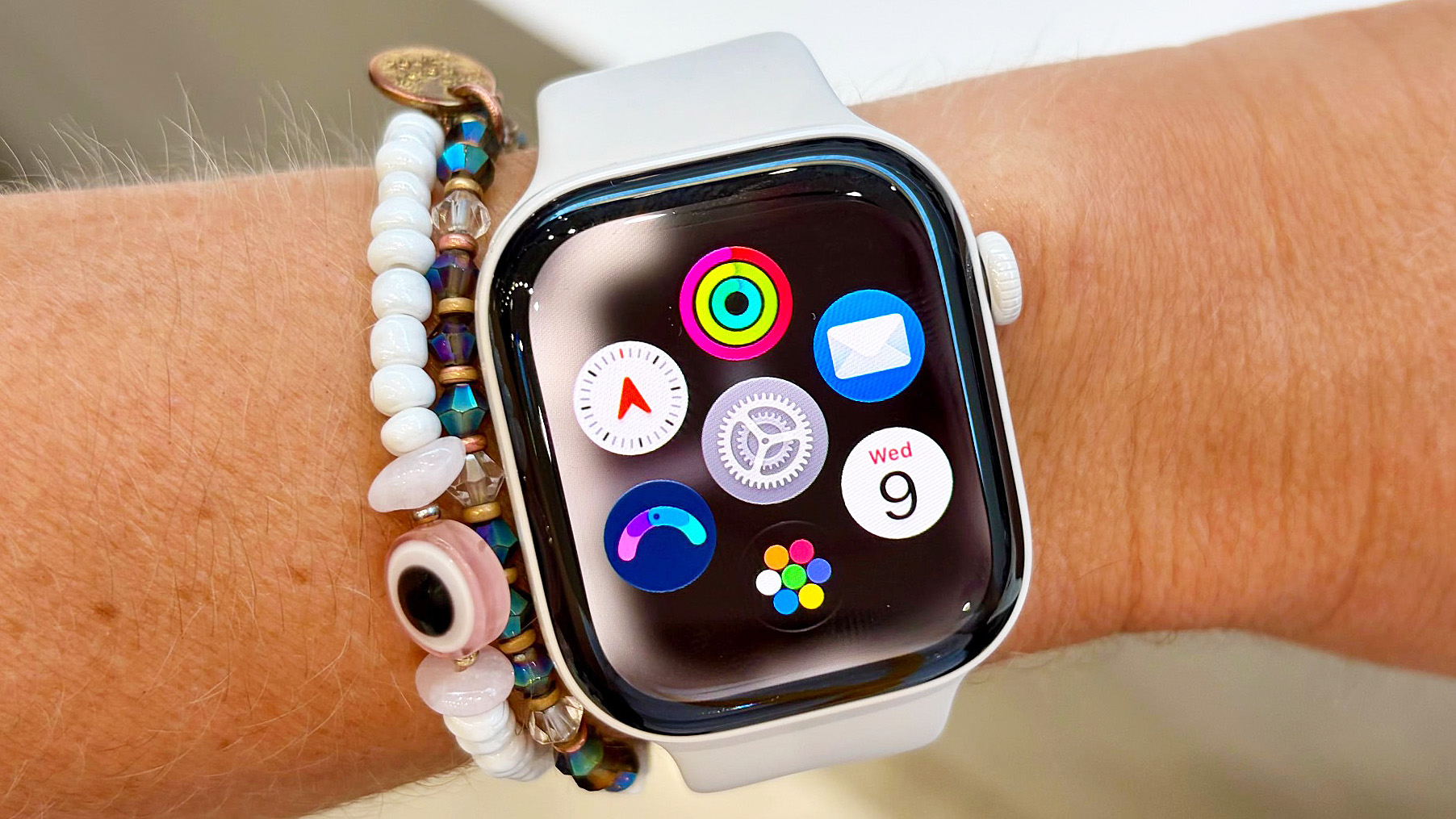
After seven nights, your first Readiness Score should be, well, ready! To view it, open the new Readiness app on your Apple Watch. It’s a blue circle with a pink and green scale in it (shown in the bottom left of the image above).
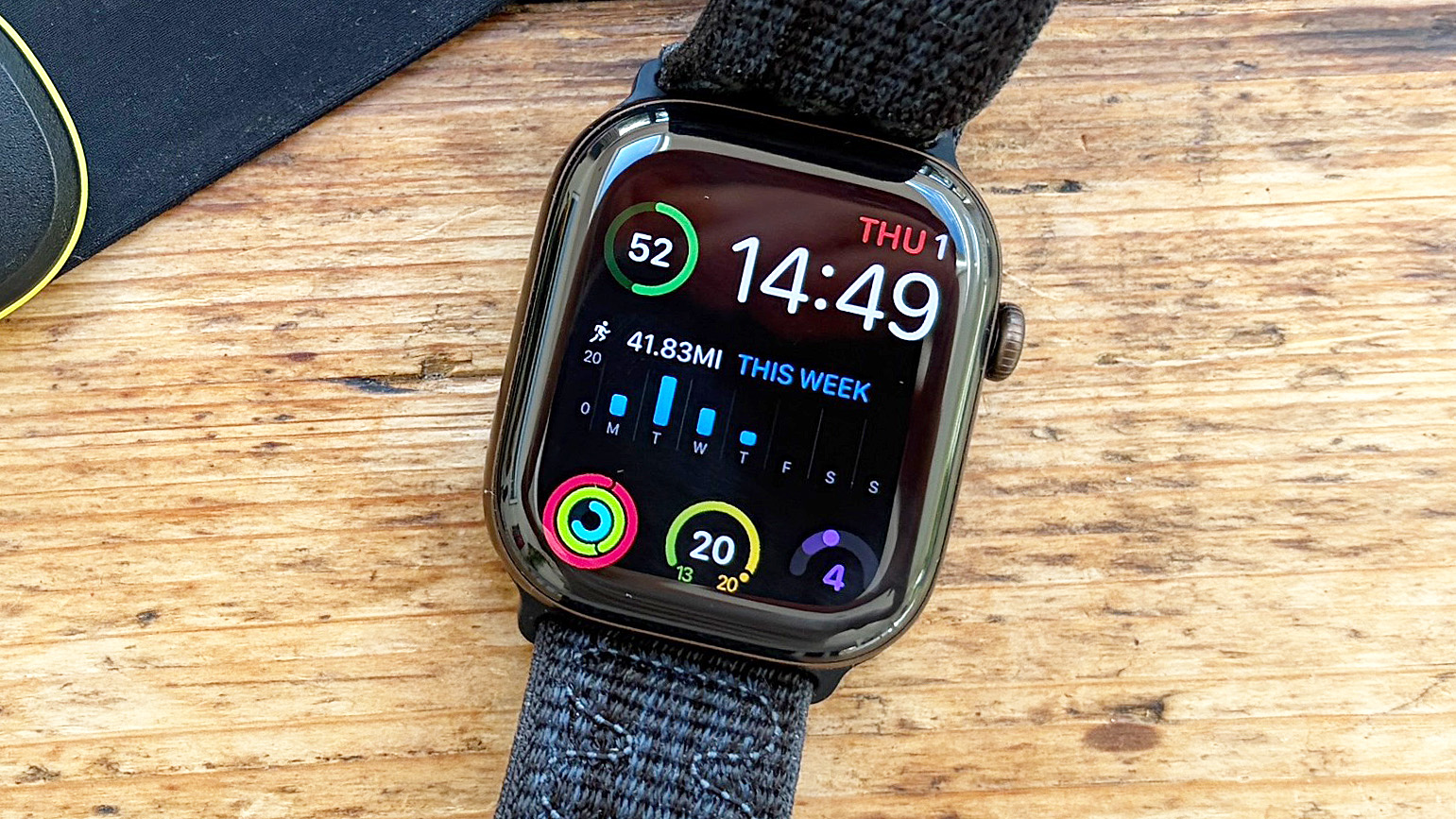
Readiness Scores break down into four categories: “Recover” (0-1), “Pace Yourself” (2-4), “Ready” (5-7), and “Go for it” (8-10).
Keep in mind, after your initial Readiness Score is generated, it will dynamically update throughout the day as you go about your business. Workouts, movement, naps, and heart rate can all have an impact on your real-time score.
And for easy viewing, there’s even a Readiness Score widget you can add to your watch’s home screen, right alongside the new Siri AI and dynamic step count widgets.

Follow Tom’s Guide on Google News and add us as a preferred source to get our up-to-date news, analysis, and reviews in your feeds. Alternatively, you can read our content on the Tom’s Guide app available now for iOS and Android.
More from Tom’s Guide
- I walked 5,000 steps with the Apple Watch 12 vs Garmin Forerunner 170 — here’s the winner
- I tested the Apple Watch 12’s heart rate accuracy vs a chest strap for running, cycling, HIIT and strength workouts — here’s my verdict
- Apple Watch Series 12 vs Apple Watch Ultra 4: Which new Apple Watch should you buy?
Next Badge:
More Comments/Likes Until Your Next Badge