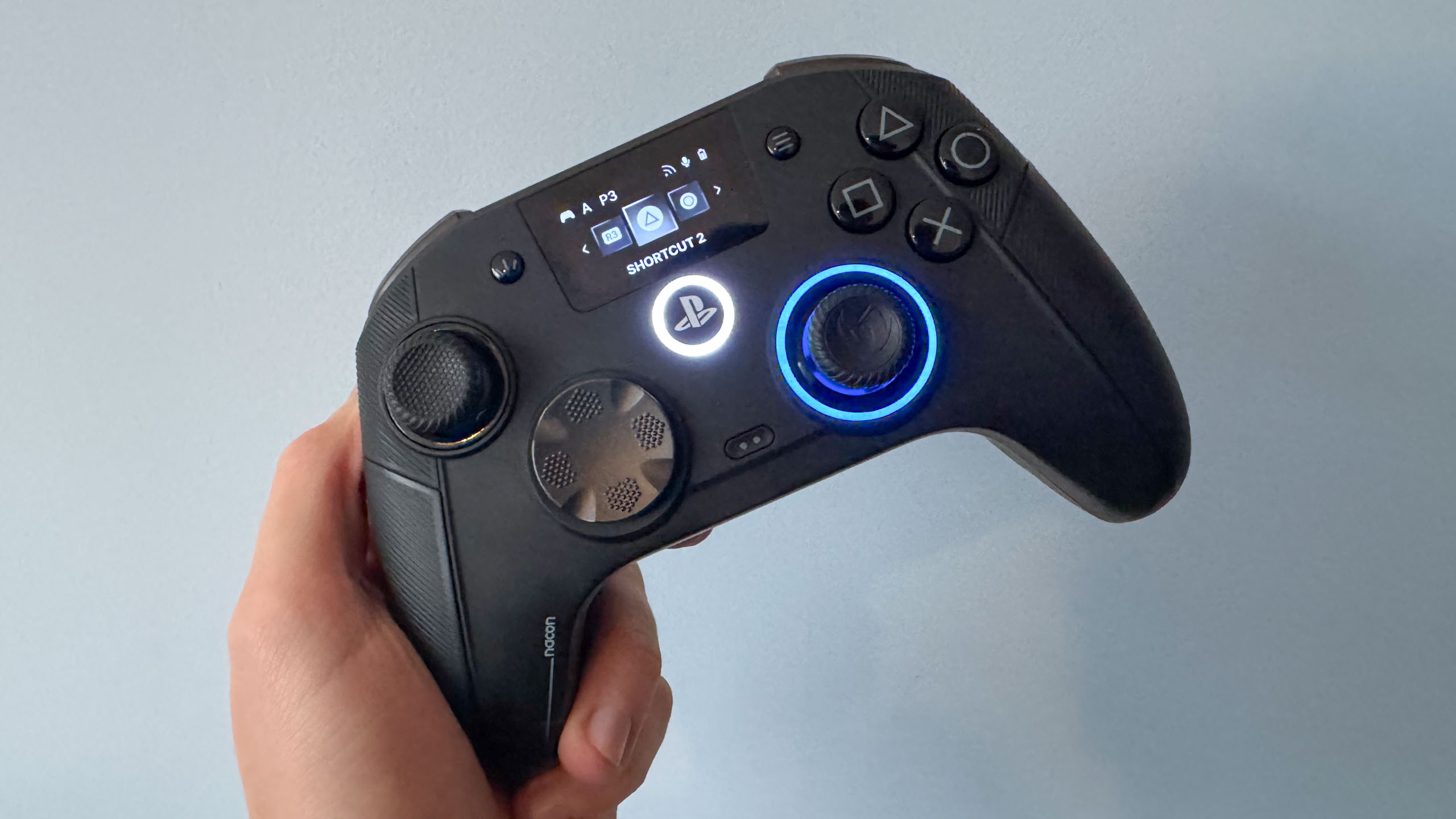
I’ve spent thousands of hours with my PS5 since launch. But in all that time, every single one of the best PS5 games I’ve enjoyed has been played on a stock DualSense controller. I’ve never used a so-called “pro” controller.
That was until this week, when I got my hands on Nacon’s new Revolution 5 Unlimited controller, designed for use with Sony’s current generation console (and PC). It’s opened my eyes to a whole new way of experiencing competitive gaming. It’s made returning to my regular old DualSense a challenge (sadly, the Revolution 5 Unlimited sometimes needs to charge).
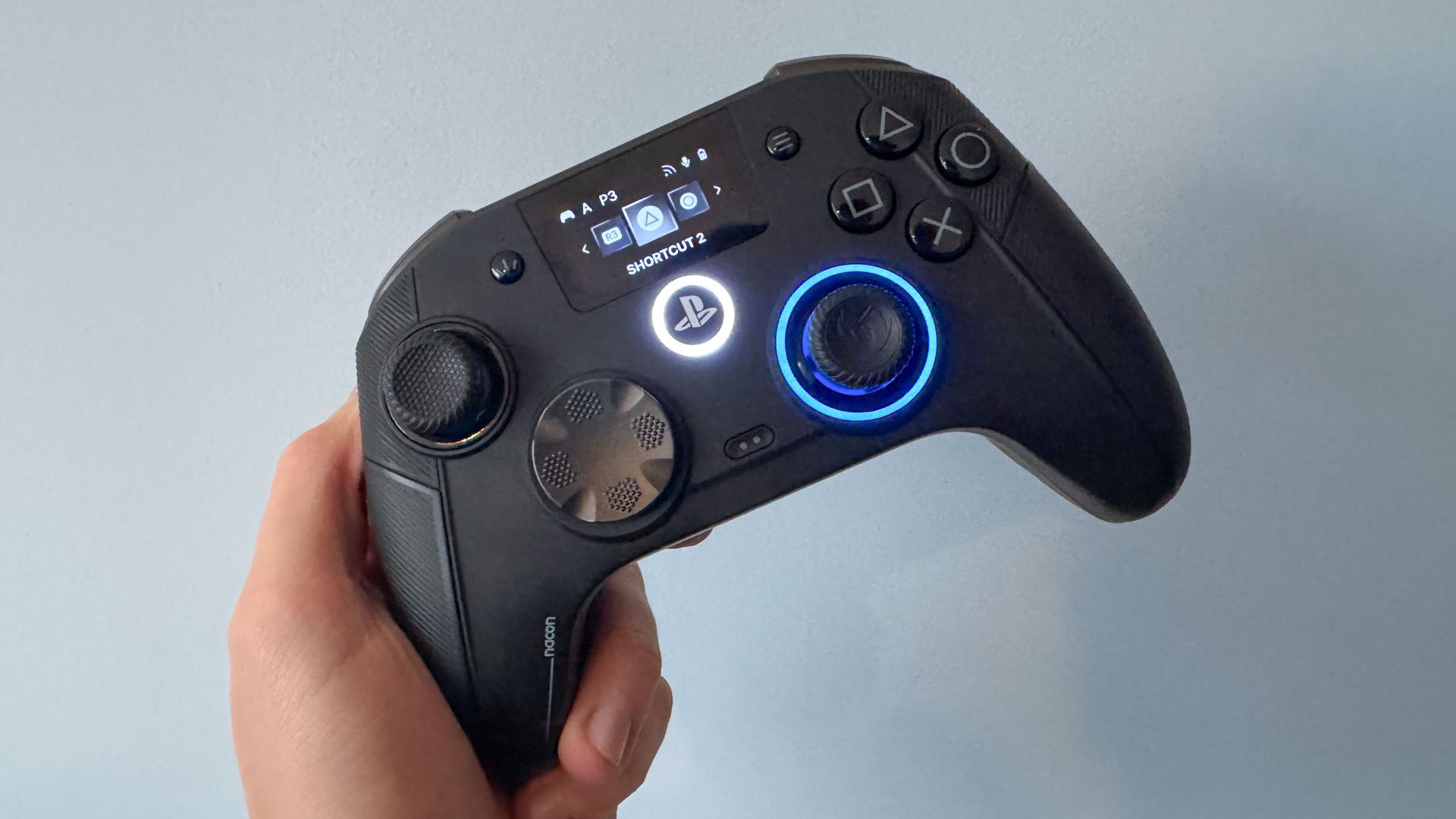
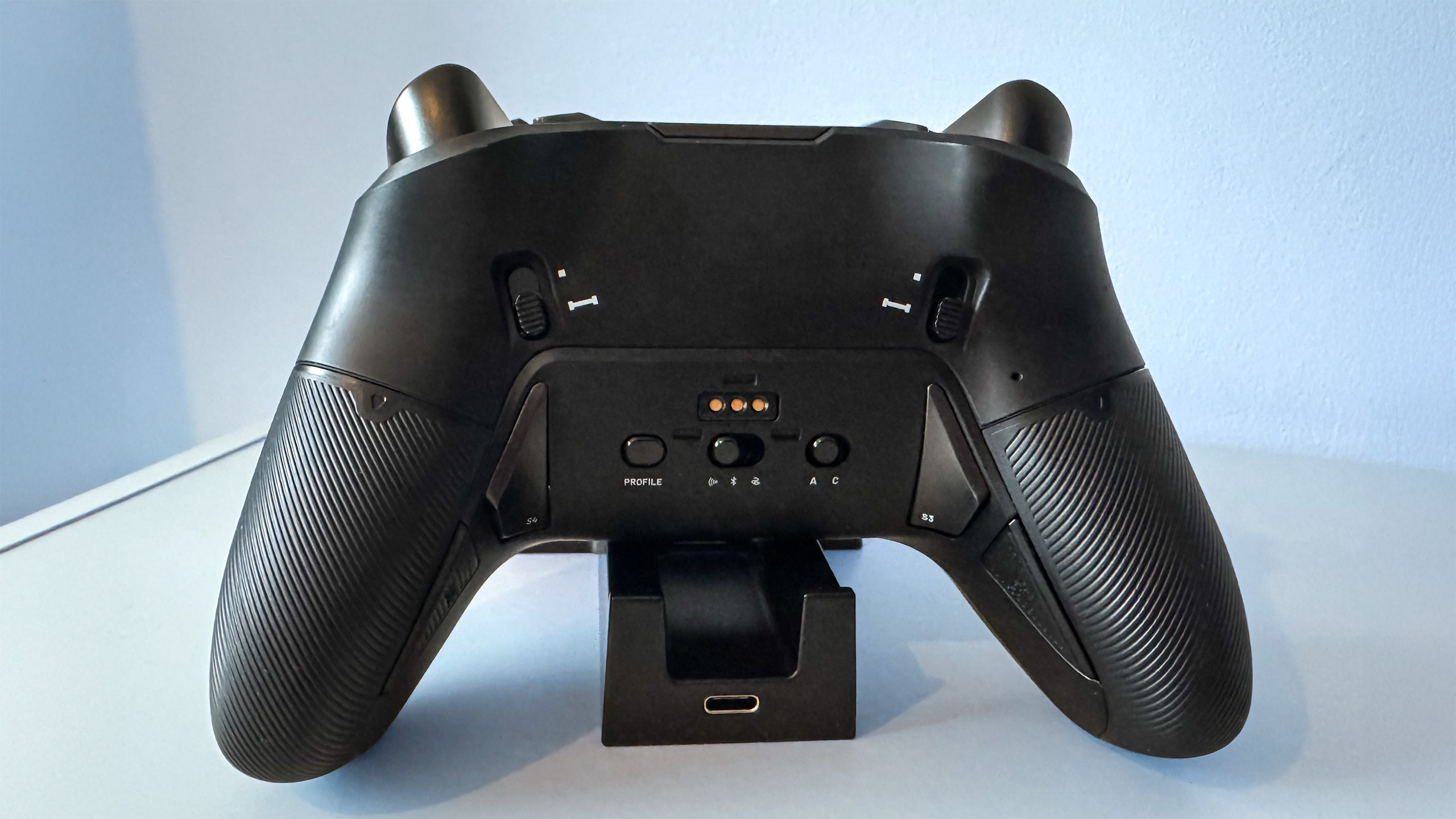
This $230 / £179 pad most definitely qualifies as a pro controller, offering a vast array of features and upgrades: Magnetic TMR joysticks, dual-mode actuation triggers, and seven (yes, seven) fully programmable shortcuts. And that’s just the start; there’s one upgrade that stands out most of all, and it turns this third-party controller into a genuine game-changer.
Nacon R5U’s biggest upgrade is unmissable
REVOLUTION 5 UNLIMITED | ANNOUNCEMENT TRAILER – YouTube 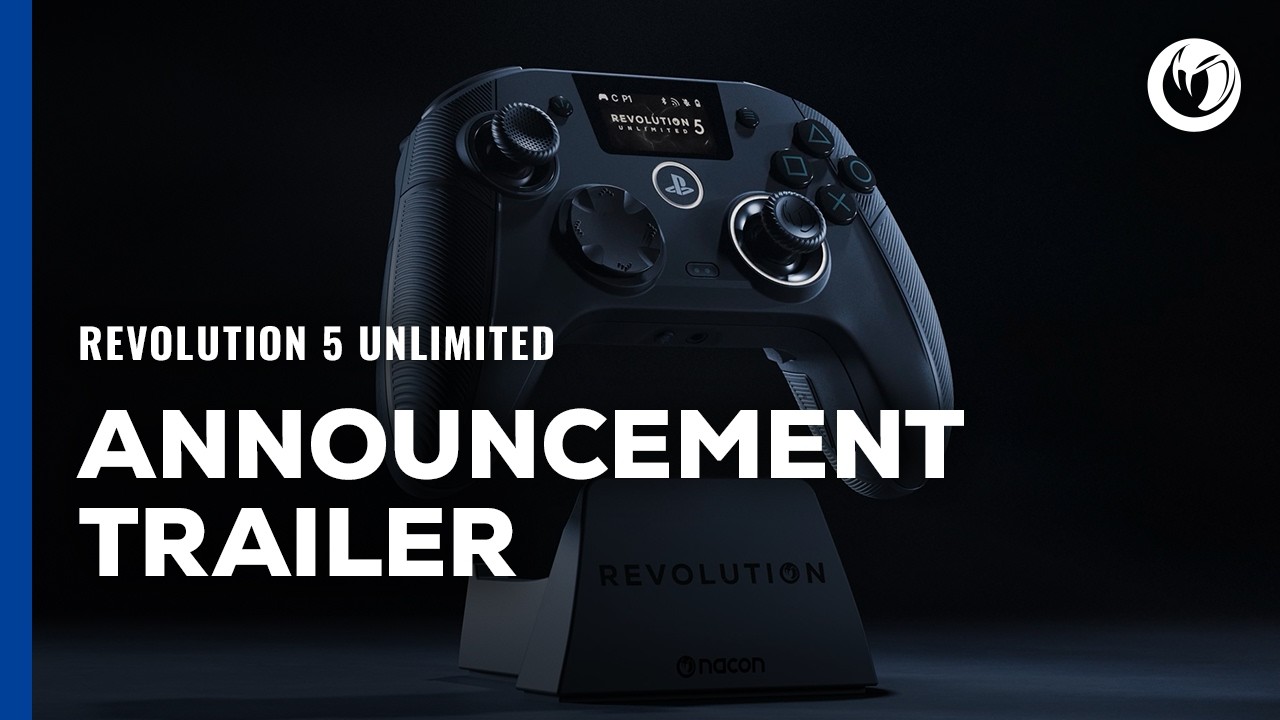
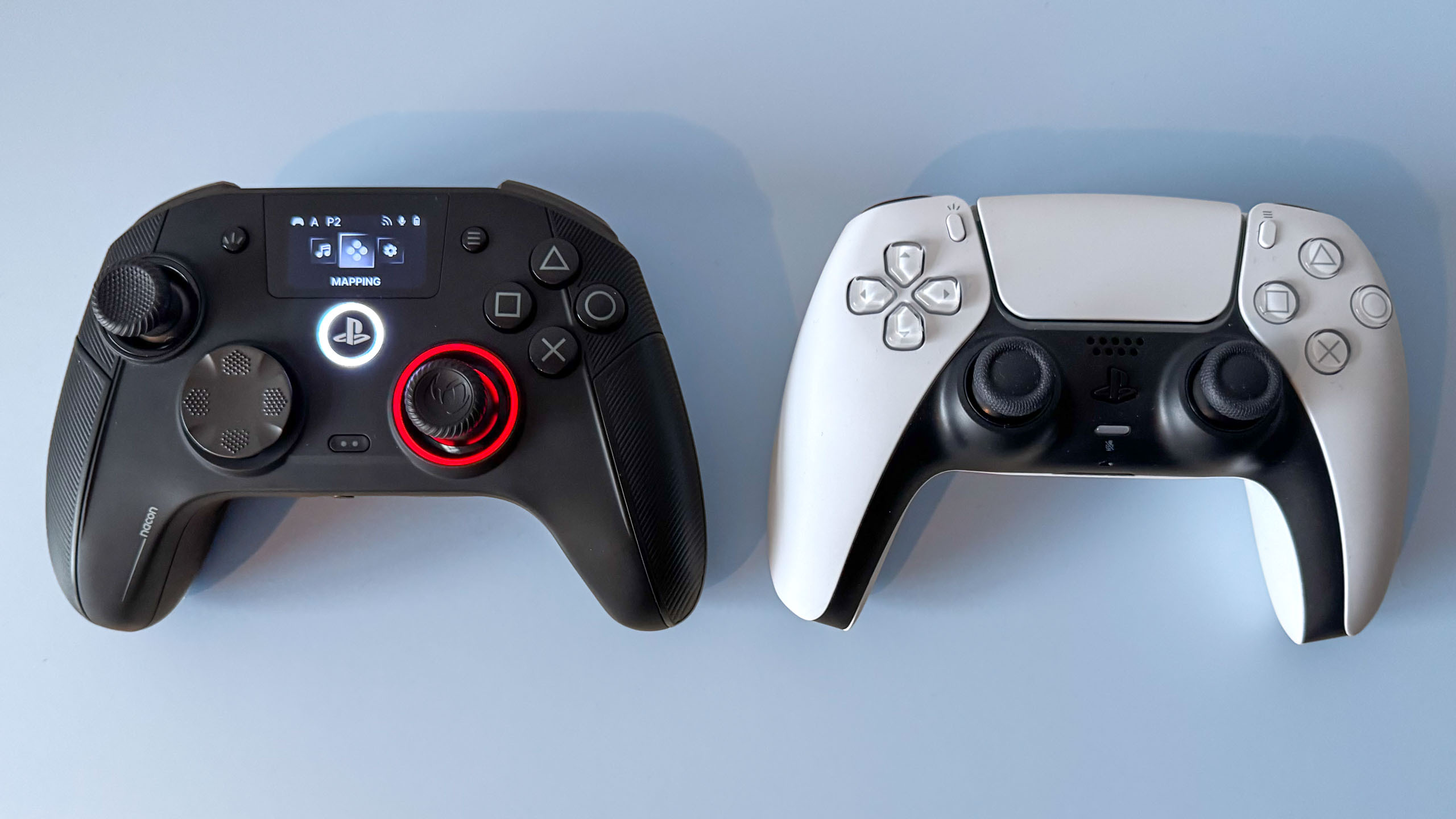
You can’t fail to notice the biggest thing that sets the Nacon Revolution 5 Unlimited apart from a stock PS5 DualSense. It’s not the offset sticks, redesigned d-pad, or all those extra buttons on the back of the controller. No, the eye-catcher is the (roughly) 1.8-inch display on the controller face.
Replacing the DualSense’s largely useless touchpad (on the R5U the touchpad is reassigned to a button between the d-pad and right analog stick), Nacon calls it the “command screen,” and it’s a very fitting name.
The display gives you instant access to the controller’s “mapping” features, letting you select inputs for the four back buttons, two buttons on the top of the controller, and even reassign the “touchpad” button. I recommend keeping the latter set to the default input, as most games require it.
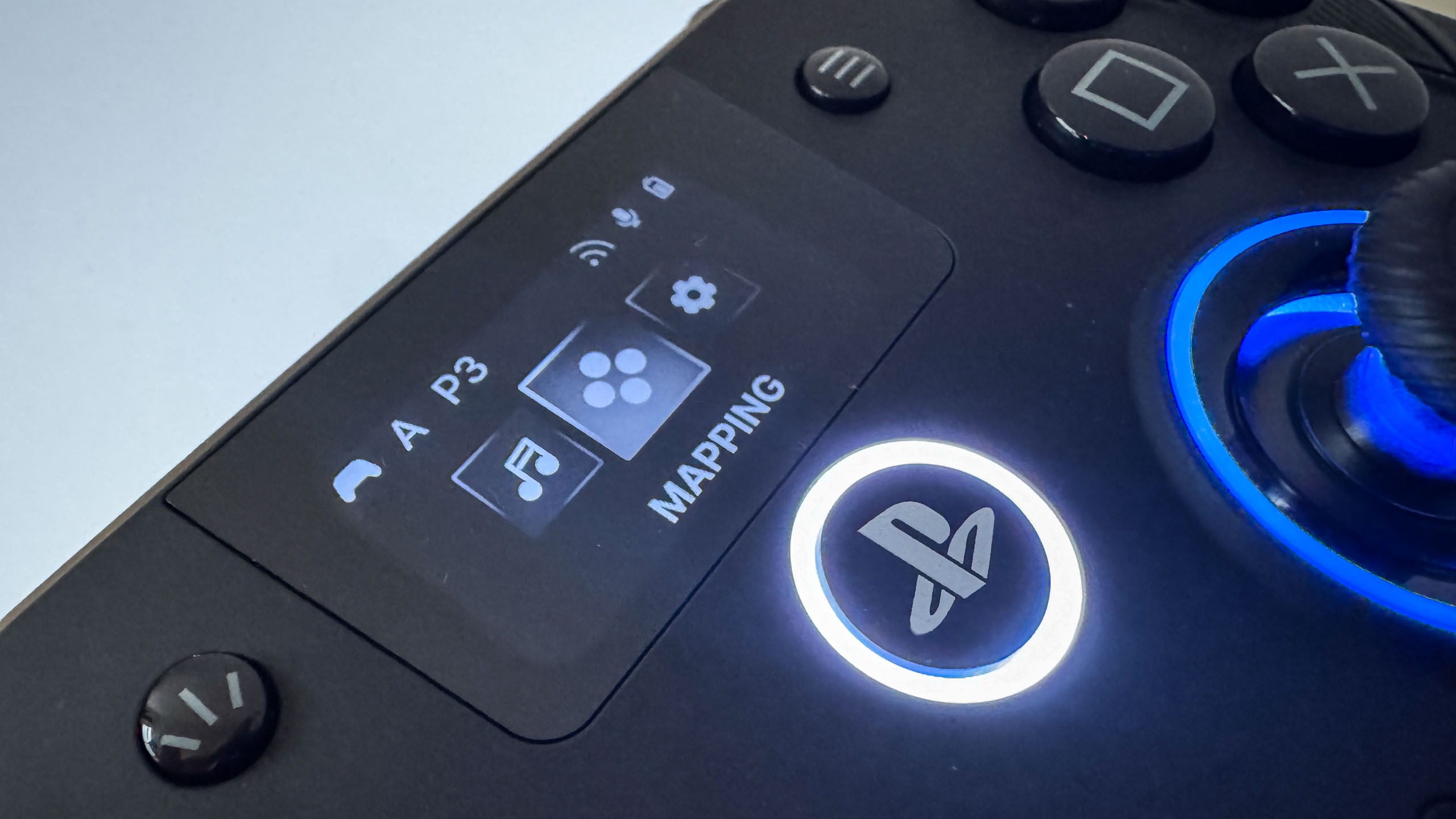
There’s no need to mess around in the PS5’s settings menus or use a companion mobile/desktop app; you can assign each additional button directly on the controller’s display. While I haven’t used a controller that requires an app, I can’t imagine not having a built-in display now. Assigning shortcuts on the fly is unbelievably convenient and makes experimenting with different input combinations straightforward.
The controller also offers up to eight individual profiles, which you can swap between directly on the R5U at the touch of a button. This allowed me to create input combinations tailored to the various games I’m playing right now, and leap between them instantly. It’s a breeze!
Sadly, it’s not all upgrades. While this new Nacon controller is officially licensed, it doesn’t include some DualSense-exclusive features, namely haptic feedback and adaptive triggers. And it can’t be used to turn on your PS5 console, which is a small inconvenience in the grand scheme. Plus, to connect it wirelessly, you’ll need to use the supplied USB dongle.
Has the R5U made me a better PS5 player?
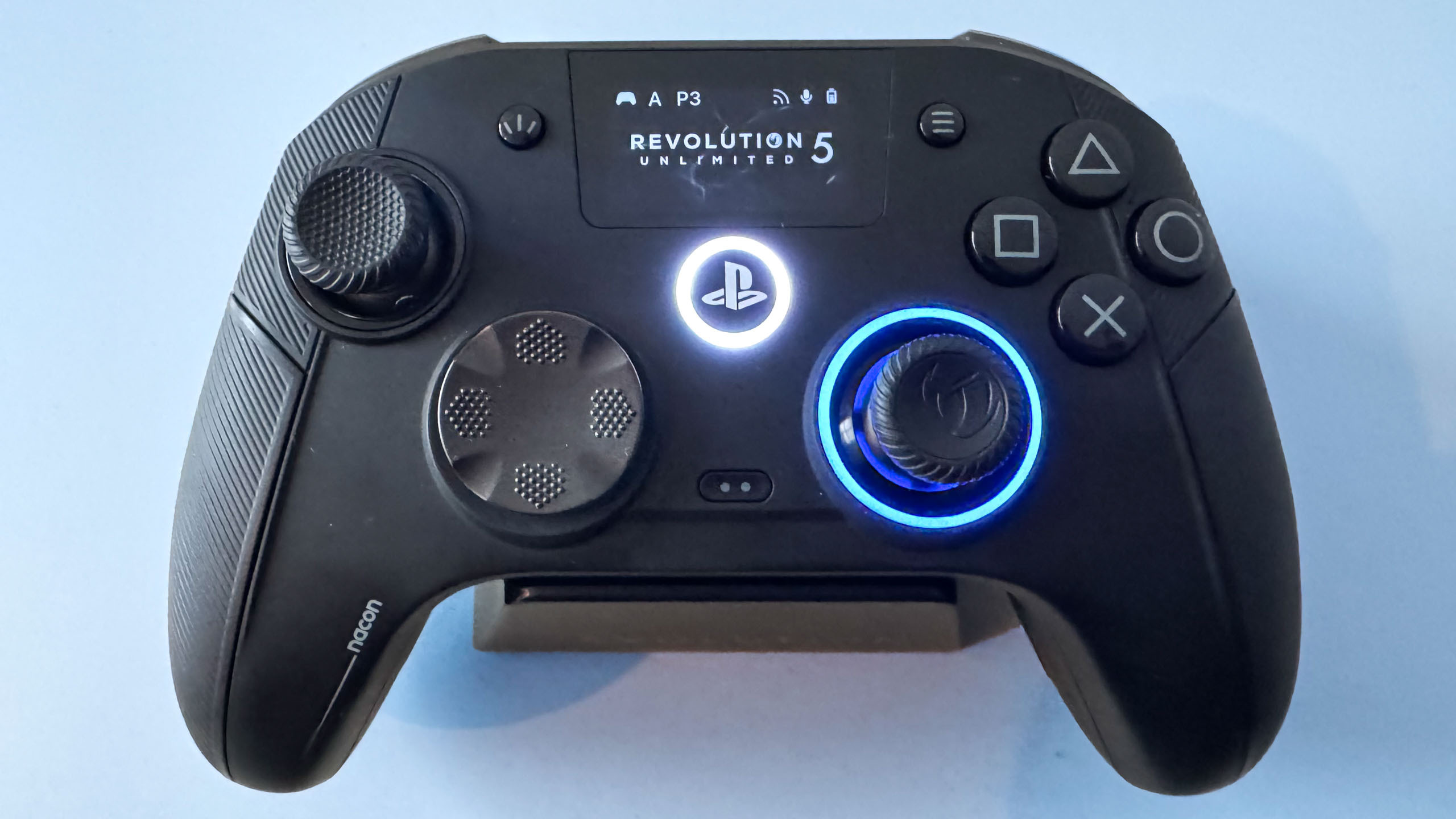
There isn’t really a scientific way to judge whether I play better on the DualSense or the Nacon Revolution 5 Unlimited, but I’d say I feel more in control when playing with the R5U.
Well, I do now, at least; that was most certainly not the case initially. A pro controller like this is designed for competitive online play, and what better way to test it out than on the recently released Call of Duty: Modern Warfare 4, the latest installment in the annual shooter series.
Turns out that trying to unlearn more than 30 years of muscle memory playing on a standard controller is kind of hard, and out of the gate, my fingers were confused, caught behind using the back buttons to shoot and the regular triggers. But this adaptation period didn’t hold me back for too long, and eventually I was able to start developing new muscle memory.
I’m a pretty average CoD player in general (my K/D averages out to an unspectacular 1.0), and while using the R5U hasn’t seen my performance suddenly leap up into e-sports pro territory, in a game like CoD where micro-seconds count, I feel like I’m getting the drop on enemy players where previously I might not. But this could be a placebo effect, of course.
Another game I’ve been using to test out the R5U this week is Star Wars: Galactic Racer, and this is one where I can say the R5U has made a difference. Assigning my speeder’s boost and drift to back buttons (X and Square on a DualSense) means I never have to take my fingers off either stick. My racing lines have never been cleaner, and my lap times better.
Nevertheless, if you’re more of a single-player gamer, I don’t think there’s much of a case for a controller like the R5U. But if you enjoy competitive online play, it offers additional control options, and because it’s so customizable, you can find the setup that enhances your skills.
We’ll have a full review of the Nacon Revolution 5 Unlimited on Tom’s Guide soon, but as far as initial impressions go, it’s quickly become my preferred PS5 controller. As somebody who’s loved the standard PS5 DualSense since day one, that is a very big compliment.

Follow Tom’s Guide on Google News and add us as a preferred source to get our up-to-date news, analysis, and reviews in your feeds.
More from Tom’s Guide
Next Badge:
More Comments/Likes Until Your Next Badge